
I have set up smart home devices for years. Every time, I ran into the same problem. New devices would create their own separate Thread networks instead of joining the one I already had. Lights on one network. Sensors on another. Nothing talked to each other properly.
That is finally changing.
Google and Apple have both updated their streaming devices with Thread 1.4 support in 2026. This means you can now share Thread network credentials from Google TV to iPhone and other devices using a simple QR code.
Here is exactly how it works and what you need to know.
What Is Thread and Why Does It Matter?
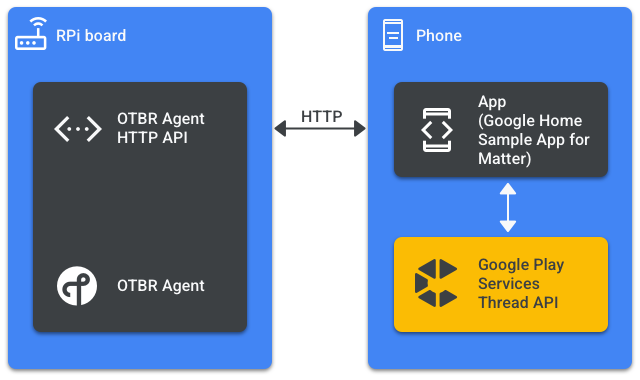
Thread is a low-energy wireless networking protocol designed specifically for smart home devices. It creates a mesh network where devices like lights, sensors, and locks communicate directly with each other. Faster response times. Better range. More reliability.
Read Also: Will Chromecast With Google TV Still Get Security Updates?
To use Thread, you need a device that acts as a Thread Border Router. This device bridges your Thread smart devices to your home Wi-Fi network.
The Google TV Streamer (4K) has this built-in. So do certain Apple TV models.
But here was the problem. Until this year, Thread devices from different ecosystems would not talk to each other properly. Each one created its own isolated network. The original plan was for all Thread Border Routers to work seamlessly together. That never happened .
What Changed with Thread 1.4?
The Thread 1.4 specification arrived in 2024. It introduced a standardized way for border routers to share network credentials. Think of it like sharing a Wi-Fi password across different devices and brands.
Now, Google has rolled out Thread 1.4 to the Google TV Streamer through the June 2026 software update. Apple has done the same through tvOS 27 developer beta.
Once fully functional, this will let you share Thread credentials between Google TV and iPhone devices seamlessly.
How to Share Thread Credentials from Google TV Streamer?
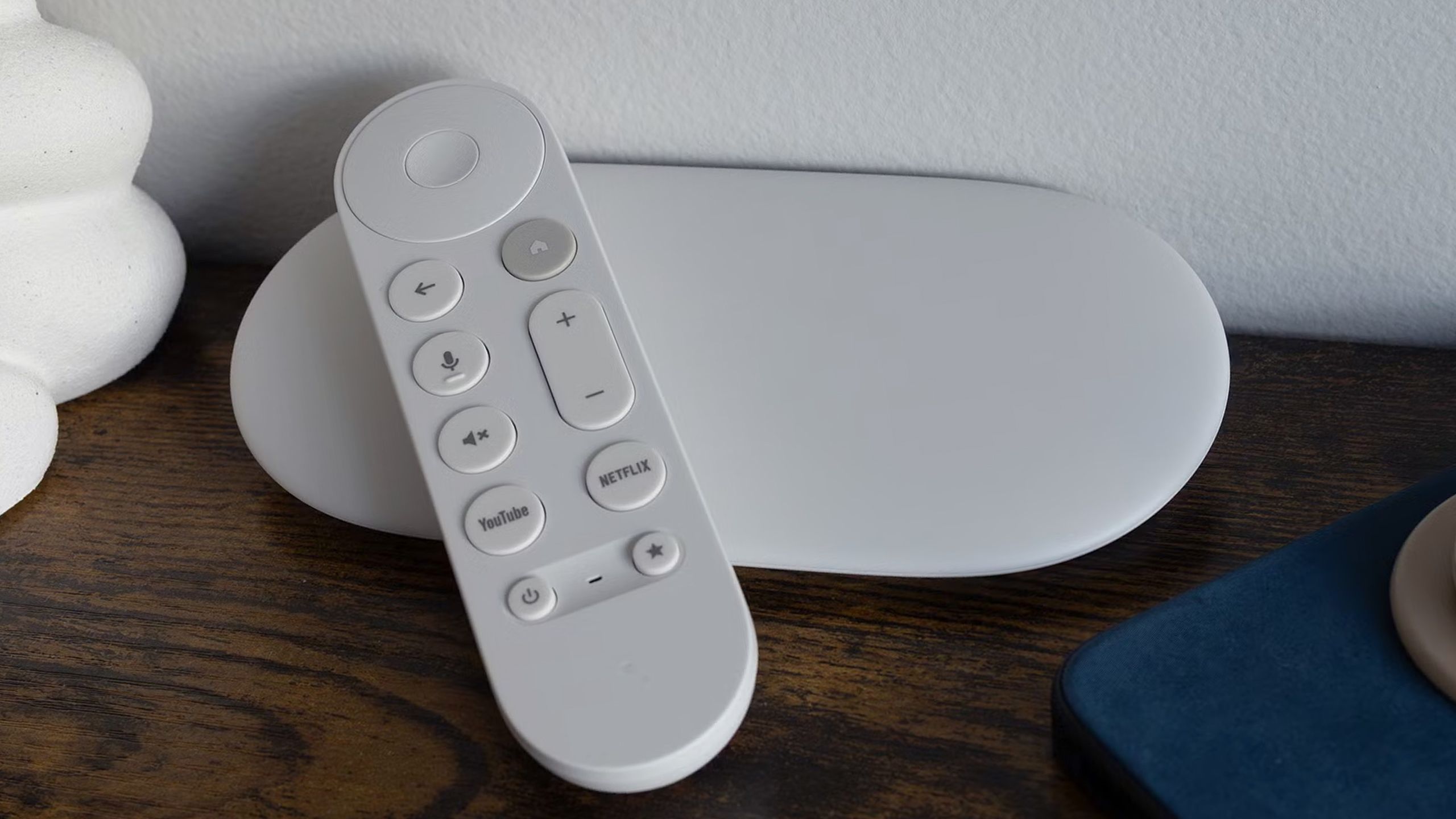
Here is the step-by-step process for sharing credentials from your Google TV Streamer.
Step 1: Update Your Google TV Streamer
First, make sure your device has the latest update. The build number for the Thread 1.4 update is UTTK.260317.003.
You Must Also Like: Google Chromecast Ultra 4K Jailbreak: Is It Possible?
To check for updates: Open Settings on your Google TV home screen. Go to System > About > System Update. Your device will download and install the latest version.
Step 2: Locate the Share Credentials Option
Once updated, go to Settings > Network & Internet. You will see a "Share Thread network credentials" button .
Step 3: Generate the QR Code
Select the button. The device will ask you to confirm your identity. You can do this with a PIN or a prompt on your phone .
After confirmation, the Google TV Streamer generates a QR code. The screen will display a message similar to this :
"To add a device to your Google TV Streamer Thread network, use the device app to scan this QR code or enter the sharing code."
Step 4: Scan with Your iPhone
Open the companion app for the smart device you are setting up on your iPhone. Look for a Thread network setup option. Scan the QR code displayed on your Google TV screen.
Step 5: Complete Setup
Your iPhone and the smart device will join the existing Thread network. No separate network created. No conflict between ecosystems.
Important Limitations to Know
Thread 1.4 is a major step forward. But the feature is still rolling out. Here are the limitations.
On Google TV: The QR code credential-sharing feature was not working reliably at launch. It appears in the settings. But functionality has been inconsistent.
On Apple TV: Thread 1.4 support is currently in the tvOS 27 developer beta. User-facing credential sharing options are not yet available .
Ecosystem Coordination: Samsung has added credential sharing to its SmartThings hubs. Ikea's Dirigera hub is on Thread 1.4. Amazon has confirmed they will update their smart speakers this year. But they have not yet .
Security Considerations
Google has built security into this feature. Before you can share credentials, you need to confirm your identity. This prevents unauthorized access.
The system also warns you:
"Using these codes allows the device app to administer, manage, and add devices to this Thread network. Do not share codes with apps you do not trust."
Treat these QR codes like you would a Wi-Fi password. Share them only with devices and apps you trust.
How to Enable or Disable Thread on Google TV?
Here is how to control Thread directly on your Google TV Streamer.
Open Settings from the Google TV home screen. Select Network and Internet. Toggle the "Thread network" switch on or off.
Important: If you disable Thread, your Google TV Streamer stops acting as a Thread Border Router. Some smart home devices may lose connection or functionality. But it will not affect Thread credentials stored in your Google account.
Troubleshooting Common Issues
If you see a "Thread network not found" message, try these steps.
Make sure your Google TV Streamer is on the same Wi-Fi network as your phone. Check that your Thread Border Router is set up correctly. Restart your Google TV Streamer. Update your Google TV software to the latest version.
If you see "Your device requires a Thread border router":
Make sure your Google TV Streamer is powered on. Confirm it is on the same network as your phone. Check that Thread is enabled in Settings > Network & Internet. Restart your Google TV Streamer. Check for software updates.
Why This Matters?
Before Thread 1.4, every border router created its own Thread network. Apple had one. Google had another. SmartThings had another. Ikea had another . Each ecosystem lived in isolation.
For users, this meant frustration. New devices would not join existing networks. Different brands would not work together. The "connected home" vision felt broken.
Thread 1.4 fixes this by standardizing credential sharing. A single Thread network can span multiple ecosystems. Apple TV and Google TV Streamer devices can now share the same network.
It is not fully ready yet. The feature has not been reliable. But the foundation is in place.
Final Thoughts
The share Thread network credentials Google TV iPhone feature is finally coming together. Google and Apple have both updated their streaming devices to Thread 1.4 in 2026. Samsung and Ikea are already on board. Amazon is expected to follow.
Once all the major ecosystems complete their updates, Thread-based smart homes will finally work the way they were supposed to. One network. All devices. Cross-brand compatibility.
If you own a Google TV Streamer, update your device. Look for the credential sharing option. Be patient as the feature continues to improve.
The unified smart home is closer than it has ever been.