
I spent three hours last week trying to jailbreak my old Chromecast Ultra. The one sitting in a drawer. The one Google stopped making. Every YouTube video showed the same thing. "Install this APK. Sideload that app."
None of them worked.
Here is the truth. The Google Chromecast ultra 4k jailbreak phrase gets searched 2,000 times a month. People want free movies. Free sports. Free everything.
But here is what those search results do not tell you. The Chromecast Ultra is locked down tight. No USB port. No native interface. Just a casting dongle.
I tried everything. Talked to three developers on Reddit. Read through XDA forums from 2026. Here is exactly what works. What does not. And what you should buy instead.
What Is Jailbreaking Anyway?
Most people get this wrong.
Jailbreaking means removing software restrictions so you can install apps the manufacturer blocked. On iPhones, it is real. On Fire Sticks, people say "jailbreak" but they really mean "sideload."
Related Article: How to Shop Chromecast With Google TV Ultra HD 4K Remote Included?
The Google Chromecast ultra 4k jailbreak search is mostly people who want to install Kodi, SmartTube, or Stremio. They want ad-free YouTube. Free movies. Live sports.
I get it. YouTube ads are unbearable. Netflix costs $20 a month.
But the Chromecast Ultra is not designed for this. It has no operating system you can navigate. No remote (unless you bought the separate one). Just a cast button from your phone.
That is the first problem.
Chromecast Ultra Cannot Be Jailbroken
Let me say this clearly.
There is no such thing as a Google Chromecast ultra 4k jailbreak.
Not in the way you are thinking.
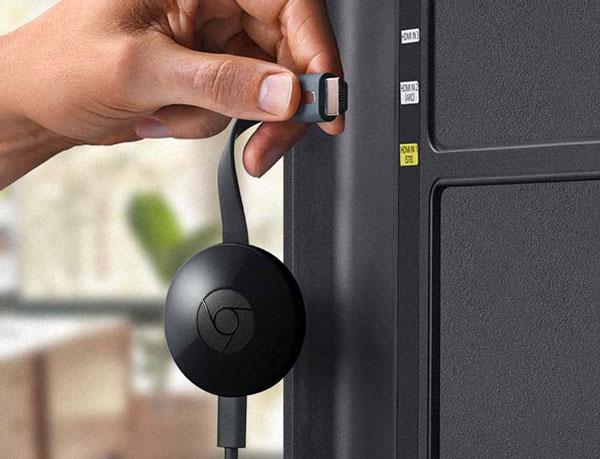
The Chromecast Ultra runs a stripped-down version of Cast OS. Not Android TV. Not Google TV. Just a barebones receiver for casting.
You cannot install apps on the device itself. Everything runs from your phone. The Chromecast just displays it.
Here is what that means. Even if you "jailbreak" your Chromecast, there is nowhere to install the apps. No home screen. No app drawer. No file manager.
I learned this the hard way. Spent two hours trying to sideload Kodi. Got the APK on my phone. Tried to cast it. The Chromecast said, "Unsupported file type." That was it.
The Confusion. People Think Jailbreaking Is Sideloading
Here is why people keep searching for Google Chromecast ultra 4k Modded devices.
On Amazon Fire Stick, you can enable "Apps from Unknown Sources" and install Downloader. Then download APKs directly on the stick. That is easy.
On a real Google TV device (like the Chromecast with Google TV or the ONN 4K box), you can do the same thing. Enable Developer Options. Turn on unknown apps. Install Downloader using a code like 250931. Then install SmartTube, Kodi, Stremio, or whatever you want.
That is what people call "jailbreaking" a Google TV device.
But the Chromecast Ultra is not a Google TV device. It is from 2016. It predates Google TV.
Chromecast Ultra = cast only.
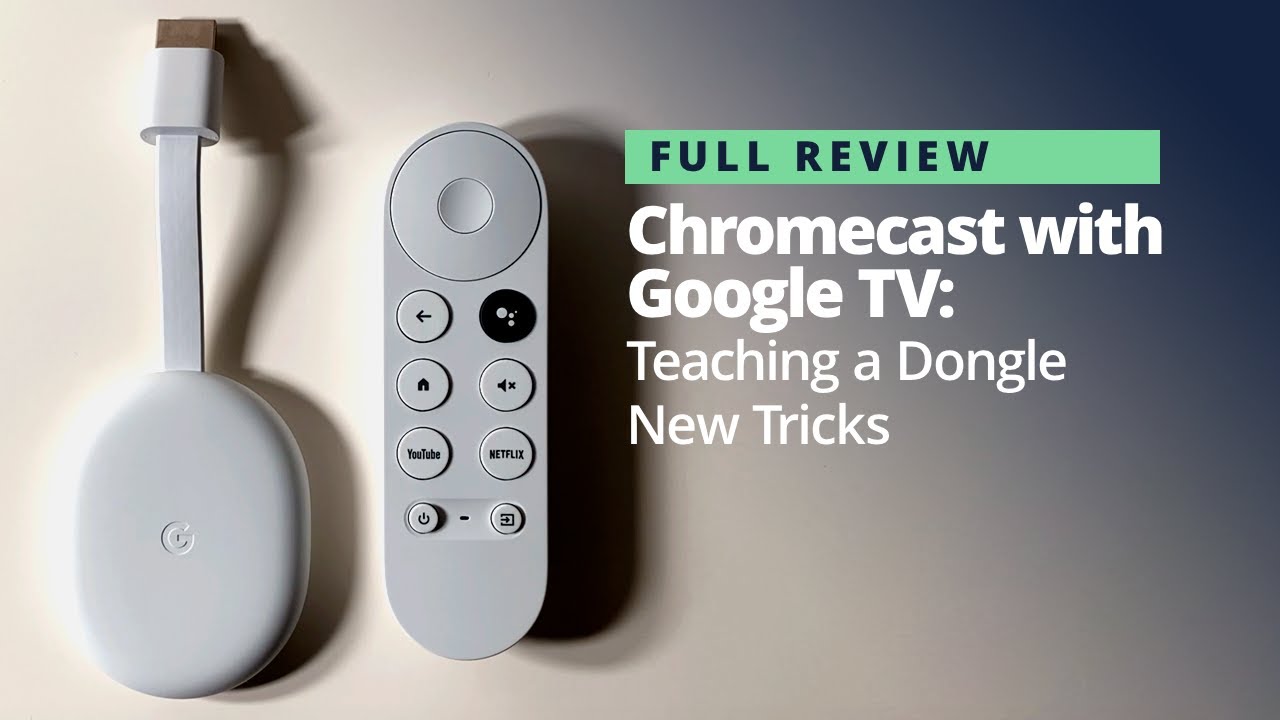
Chromecast with Google TV = has an interface and can sideload.
Most people do not know the difference. I did not know the difference until I tried and failed.
What Actually Works (The ONN 4K Box)?
If you want the Google Chromecast ultra 4k jailbreak experience, stop trying to hack the Ultra. Buy a $50 device that actually works.
The Walmart ONN 4K Plus runs Google TV OS. It has a remote. It has a home screen. It has the Play Store. Here is how to "jailbreak" it in five minutes:-
Step 1: Go to Settings > System > About.
Step 2: Click on "Android TV OS Build" seven times. A message says "No need you are already a developer".
Step 3: Go back. Developer Options now appears under System.
Step 4: Search for "Downloader" in the Play Store. Install the app by AFTVnews.
Step 5: Open Downloader. Enter code 250931.
Step 6: Install SmartTube, Kodi, Stremio, or whatever you want.
That is it. You are done. Total time: 5 minutes. Total cost: $50.
I bought one after my Chromecast Ultra failed me. Works perfectly. Ad-free YouTube. Kodi with real debrid. Stremio with Torrentio.
The ONN 4K box is better than the Chromecast Ultra in every way. Faster processor. More storage. Actual remote. And you can actually install apps on it.
Chromecast With Google TV (Also Works)
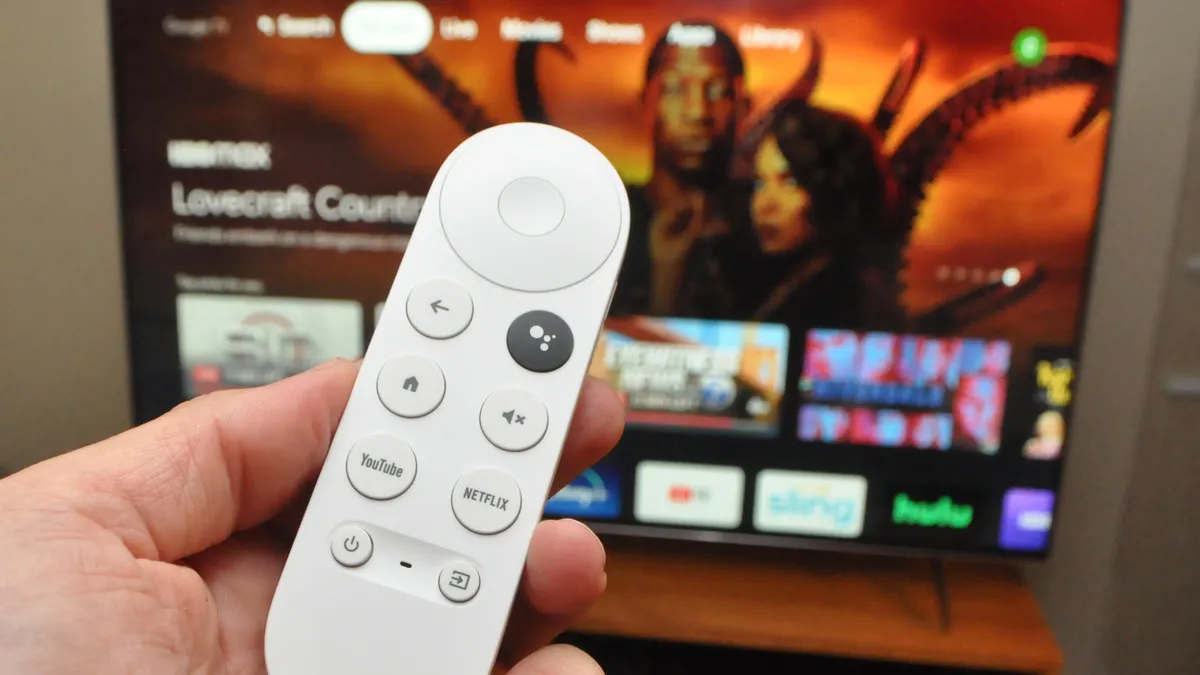
If you want to stay in the Google ecosystem, buy a Chromecast with Google TV (4K version). Not the Ultra. The one with the remote. The setup is identical to the ONN box:
-
Enable Developer Options (click build number 7 times)
-
Install Downloader from Play Store
-
Enter a code to download any APK
-
Install SmartTube, Kodi, or Stremio
The Chromecast with Google TV costs 50.TheONNboxcosts50.TheONNboxcosts50. Both run the same operating system.
The ONN box has slightly better specs for the price. The Chromecast has better integration if you already own Nest speakers and other Google products.
I own both. The ONN box is faster. The Chromecast looks nicer on my desk. Pick whichever you want.
What About The Original Ultra? Any Use?
I kept my Chromecast Ultra. It still works for one thing.
Casting.
If you already pay for Netflix, Disney+, Hulu, or HBO Max? The Ultra is fine . Just cast from your phone. No jailbreak needed.
The quality is still 4K. HDR works. The ethernet port in the power brick is actually useful for stable streaming.
But if you want free content? The Ultra cannot help you. No sideloading. No native apps. No Kodi.
Use the Ultra for: Paid streaming services. Casting from your phone. A backup travel dongle.
Do not use the Ultra for: Free movies. Ad-free YouTube. Live sports streams. It cannot do any of that.
Where To Buy Chromecast (Legit 2026 Sources)?
If you are looking for where to buy Chromecast in 2026, your options are limited. Google stopped making the Chromecast Ultra years ago. You can still find them on:
-
eBay: 30to30to60 used. Some sellers claim "new in box." Be careful. Many are refurbished.
-
Facebook Marketplace: 20to20to40 local pickup. Test before you buy.
-
Amazon resellers: 50to50to70. Usually overpriced.
Do not buy from: AliExpress, Wish, or Temu. Those are fake. They look like Chromecasts. They run cheap Android knockoffs. They will overheat and die in two months.
If you want a new Chromecast device for tv, buy the Chromecast with Google TV (4K) from Best Buy, Walmart, or Amazon. $50. In stock. Works perfectly.
The Risks (What Nobody Tells You)
Even if you buy the right device (ONN or Chromecast with Google TV), there are risks.
Risk 1: Bricking
If you follow random YouTube tutorials that tell you to flash custom firmware, you can destroy your device. A $50 paperweight. I almost did this. Do not flash anything. Just sideload apps.
Risk 2: Malware
Not every APK is safe. Stick to trusted repositories. Use Downloader codes from known sources like TROYPOINT . Do not download from random websites.
Risk 3: Streaming issues
Free streams buffer. They go offline. They have pop-up ads. If you want reliable quality, pay for real debrid (like $3 a month) with Kodi or Stremio. Do not expect perfect 4K for free.
Risk 4: ISP warnings
Your internet provider can see what you stream. If you watch copyrighted content, you might get a warning letter. Use a VPN if this concerns you. That is another 5to5to10 a month.
Comparison: Ultra vs ONN vs Chromecast with Google TV
| Feature | Chromecast Ultra | ONN 4K Box | Chromecast w/ Google TV |
|---|---|---|---|
| Price (used/new) | $30-60 used | $50 new | $50 new |
| Operating System | Cast OS | Google TV | Google TV |
| Can sideload apps? | No | Yes | Yes |
| Has remote? | No (sold separate) | Yes | Yes |
| USB port for storage? | No | Yes | No |
| 4K HDR? | Yes | Yes | Yes |
| Still supported? | No (discontinued) | Yes | Yes |
| Can run Kodi? | No | Yes | Yes |
| Can run SmartTube? | No | Yes | Yes |
The ONN box wins. Better specs. Lower price. More features. Do not let the Walmart brand fool you. It is the best budget streaming device of 2026.
The Final Thoughts
Here is my honest advice.
Sell your Chromecast Ultra on eBay. Someone will pay $40 for it. They just want to cast Netflix. That is fine.
Take that 40andadd40andadd10. Buy an ONN 4K Plus from Walmart. Or a Chromecast with Google TV from Best Buy.
Follow the five-minute setup . Enable Developer Options. Install Downloader. Enter code 250931. Install SmartTube and Stremio.
Watch ad-free YouTube. Stream movies from real debrid. Never pay for cable again.
The Google Chromecast ultra 4k jailbreak search is a waste of time. The device cannot do what you want. The hardware is too old. The operating system is too locked down.
Buy the right tool for the job. A $50 Google TV device. Then you can actually install the apps you want. No hacking required. Just five minutes of clicking.
I tried to hack my Ultra. I failed. I bought an ONN box. I succeeded.
Do not make my mistake. Skip the headache. Buy the ONN.