
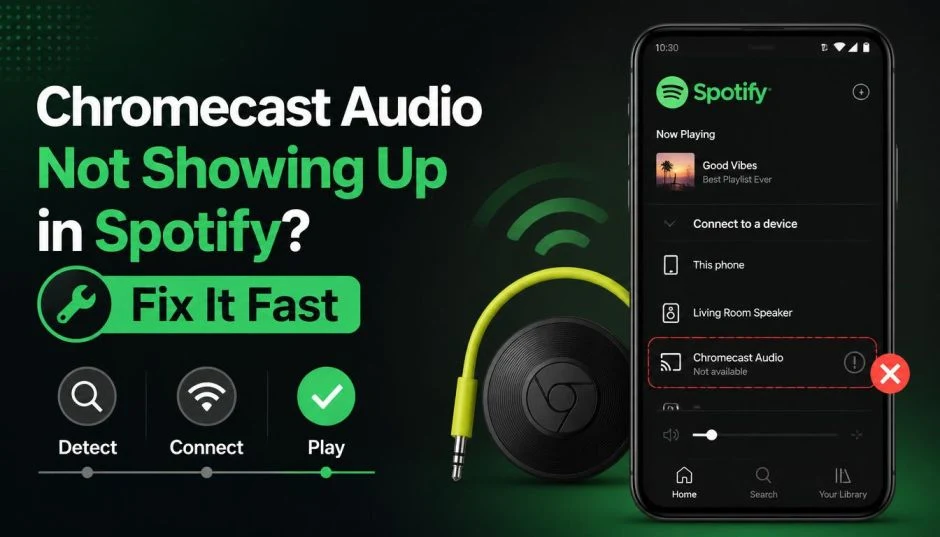
I was in the middle of making breakfast. Toast was in the toaster. Coffee was brewing. I opened Spotify, tapped the Cast button, and my Chromecast Audio was gone. Not in the list. Not anywhere.
I stared at my phone for a solid thirty seconds. Restarted the app. Restarted my phone. Restarted my router. Nothing worked.
My wife walked in and asked why I was muttering at my phone. I told her my speaker had vanished. She rolled her eyes and left.
I spent the next hour scrolling through Reddit and Spotify community forums. Turns out, I was not alone. Thousands of people were dealing with the same thing.
Here is what I learned.
What Is Actually Happening?
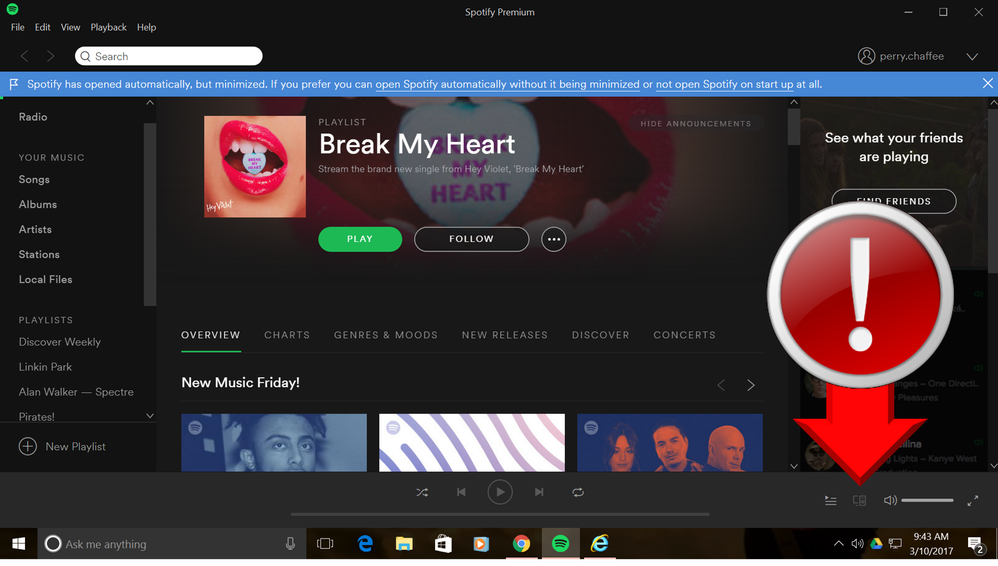
The Chromecast audio not showing up in Spotify is a bug. It is not your Wi-Fi. It is not your phone. It is not your Chromecast.
Read Also: Arylic LP10 vs Chromecast Audio: The Ultimate Budget Streamer
Spotify confirmed it in early May 2026. A glitch was causing Google Cast devices to disappear from the Connect menu on Android. The problem started appearing in community forums back in 2024, but reports surged recently.
Here is the weird part. The bug is inconsistent. One Reddit user said their phone could not see any of their three Chromecast Audios. But their tablet on the same network worked fine. Another user reported that their Samsung Galaxy S24 Ultra failed to see a Cast speaker. Their friend's iPhone on the same network picked it up immediately.
It is a Spotify issue. Not a Google issue.
The company has acknowledged it. They started rolling out a fix with version 9.1.48 the week of May 18, 2026.
The Fixes That Actually Work
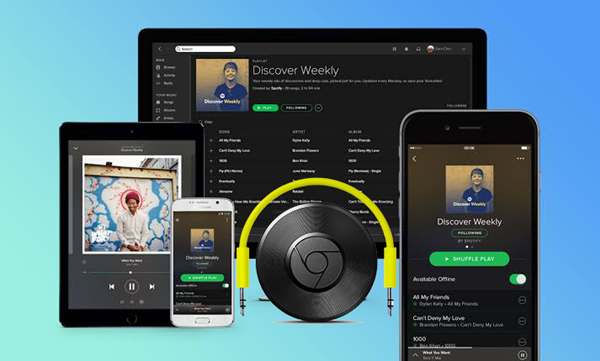
I tried everything. Here is what actually worked for me.
The Easy Way
Open the Google Home app. Start playing something on your Chromecast Audio from there. Then switch back to Spotify. Once the music is playing, Spotify's controls often pop up and let you manage the queue.
It is clunky. But it works.
The Better Way
Use Google Assistant. Say "Hey Google, play my Discover Weekly on my speaker." It bypasses the Spotify app entirely.
The Nuclear Option
This is what I did. Roll back to an older version of Spotify.
First, uninstall the current version. Turn off auto-updates in the Google Play Store. Then download an older version. Users reported success with versions 9.1.40.1486, 9.1.42.1107, 9.1.42.2058, and 9.1.44.1084.
I used APKMirror. Installed it. Opened Spotify. My Chromecast Audio was back.
It was like magic.
What Not to Bother With?
Restarting your phone rarely works. Force quitting the app is hit or miss. Reinstalling Spotify does not fix the core bug.
I tried all of these. Wasted time on all of them.
The Lossless Audio Problem
While we are on the subject of Chromecast Audio and Spotify, there is another issue.
You Must Also Like: How to Stream With Behringer Euphoria Audio Interface?
The Chromecast Audio has a built-in AKM AK4430 DAC. It supports 24-bit/96kHz lossless audio streaming. It is a great little device for audiophiles.
But Spotify does not support lossless streaming to the Chromecast Audio. Users have been asking Spotify to update the firmware for years. One user in the Spotify community forum called it out as a major issue that needs patching alongside the disappearing device bug.
It is a separate problem. But it adds to the frustration.
The Mute Button Problem
There is another bug that has been driving people crazy. The Chromecast Audio mute button stops working. It is a hardware issue with the device itself. Some users have had the mute button fail, and it causes the speaker to turn off or become unresponsive.
If your mute button is broken, you are out of luck. The device is discontinued. You cannot buy a new one from Google. You might find one on eBay. But that is a gamble.
What to Do Long-Term?
Spotify says the fix is coming. Version 9.1.48 is rolling out. If you have not received it yet, you have two choices.
Wait. Or roll back.
Rolling back is easy. It takes five minutes. It solves the problem immediately. I recommend it.
How to Turn Off Auto-Updates?
Go to the Google Play Store. Search for Spotify. Tap the three dots in the top right corner. Uncheck "Enable auto-update". This prevents the app from updating back to the broken version.
Where to Find Old Versions?
APKMirror is the most reliable source. It is safe. It is trusted. Just make sure you download the right version for your device.
What About iOS?
This bug seems to be Android-specific. iOS users have not reported the same issue. If you are on an iPhone and your Chromecast Audio is missing, it is probably a different problem.
The Final Thoughts
The Chromecast audio not showing up in Spotify is a known bug. Spotify is working on it. The fix is rolling out. If you are stuck, roll back to an older version of the app. It takes five minutes. It works.
If you are feeling brave, use Google Assistant or the Google Home app as a workaround. It is not ideal. But it gets the job done.
And if your mute button is broken? Sorry. That one is on Google.